
Download Acquisition – Secure Mac P2P Client for Music Lovers
Overview
Acquisition is a niche but powerful peer‑to‑peer (P2P) client built exclusively for macOS. Unlike many generic downloaders, Acquisition taps into both the historic Gnutella network and the modern BitTorrent swarm, giving users a surprisingly broad catalog of audio, video, and document files. What truly distinguishes this client is its tight integration with Apple’s iTunes ecosystem: every completed music file can be automatically routed to iTunes, an iPod, iPhone, or iPad without the need for manual dragging.
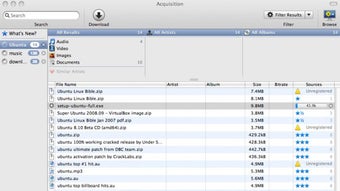
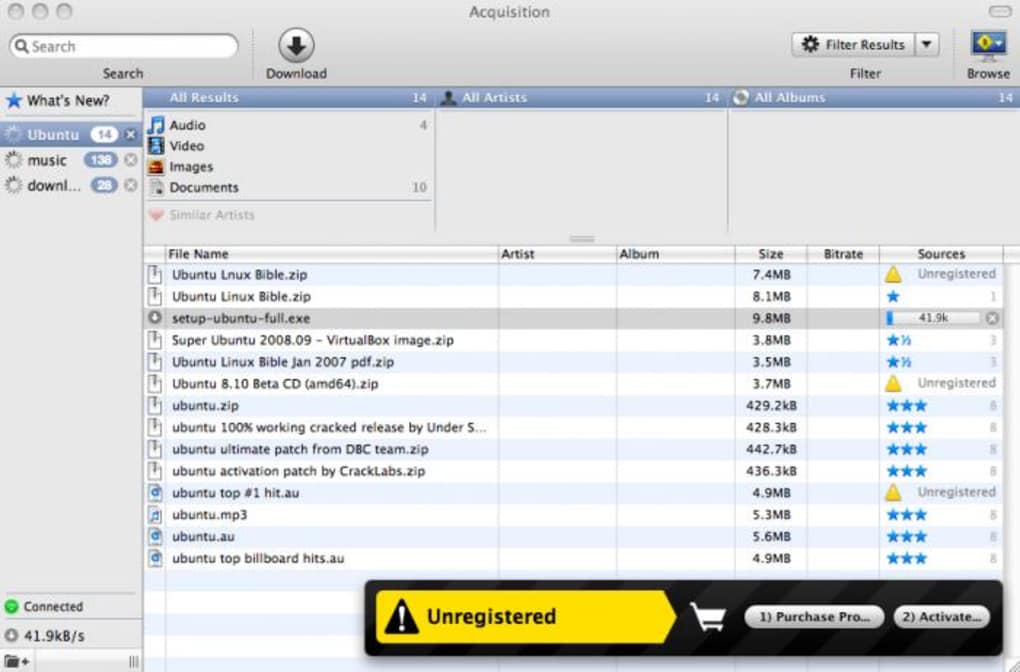
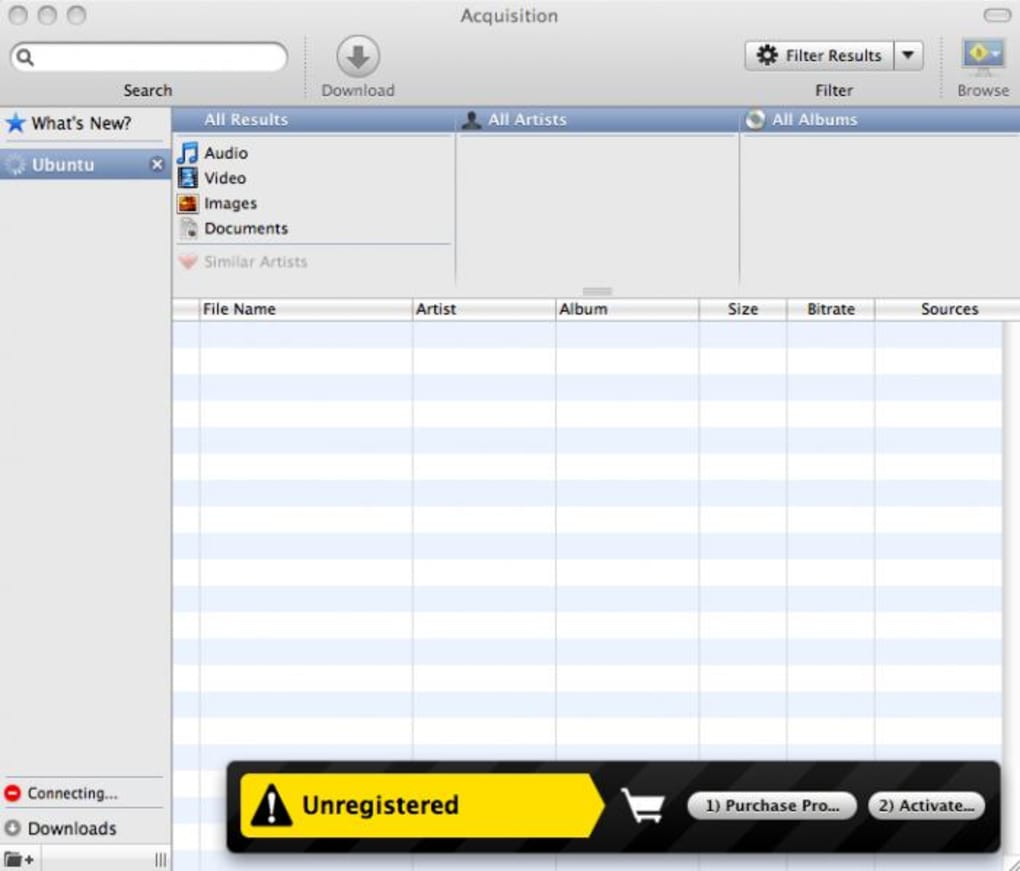
The interface follows a clean, two‑pane layout—search results occupy the left column while the top bar lets you filter by artist, album, or file type. As you type, a smart suggestion engine narrows results in real time, and you can create custom filters to surface the most relevant torrents or Gnutella shares. Download progress is displayed via intuitive status bars, and a built‑in preview window lets you sample audio before the transfer finishes, although preview reliability can vary depending on source quality.
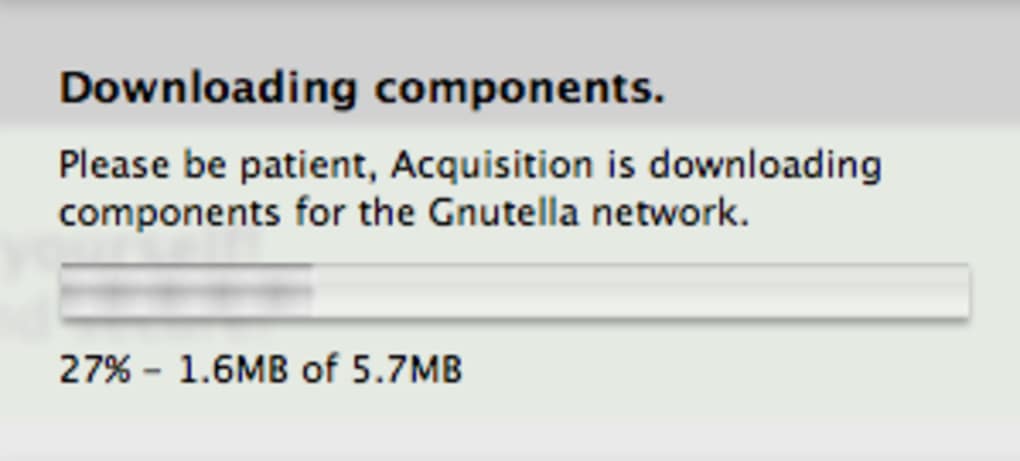
While the Gnutella component feels a little dated—its peer pool is smaller than it once was—the BitTorrent backbone compensates with high‑speed, resilient connections. The latest release introduces an auto‑updater, a feature previously missing from the app, making future upgrades painless. However, users should be aware that the developer’s support has been inconsistent, and a paid upgrade path now exists for the newest version, which may deter fans of completely free alternatives like Transmission or Limewire.
Overall, Acquisition offers a compelling blend of music‑centric automation and dual‑network power, but its price tag and support history warrant careful consideration before you hit the download button.
Key Features that Set Acquisition Apart
- Dual‑network engine: Simultaneous access to Gnutella and BitTorrent swarms.
- Automatic iTunes import: Files are sent straight to iTunes and synced devices.
- Real‑time search suggestions and customizable filters for precise results.
- Elegant two‑pane UI with artist/album categorization on the top bar.
- Download progress bars and optional preview window for audio files.
- Auto‑updater added in the latest version for seamless patching.
- Mac‑only optimization ensures smooth performance on macOS 10.12 and later.
- Lightweight footprint: uses minimal RAM compared with heavyweight clients.
Installation, Usage & Compatibility
Getting Acquisition up and running on your Mac is straightforward. Begin by visiting the official website and clicking the “Download Acquisition” button. The installer is a standard .dmg file; once opened, simply drag the Acquisition icon into your /Applications folder. macOS Gatekeeper may flag the app as coming from an unidentified developer—click “Open Anyway” in System Preferences > Security & Privacy to proceed.
After launch, the first‑time setup wizard asks whether you’d like to enable automatic iTunes import. If you opt‑in, the client will request permission to access your iTunes library and any connected iOS devices. This step is crucial for the “one‑click” music flow that makes Acquisition unique.
Once configured, the main window appears with a search bar on top. Begin typing an artist name or song title; the suggestion engine will instantly list matching files from both networks. To refine results, click the filter icon and choose categories such as “MP3,” “FLAC,” or “Video.”
Compatibility (itemprop="operatingSystem"): Acquisition is designed for macOS 10.12 (Sierra) and newer, including macOS Ventura and the latest Apple Silicon hardware. The application runs natively on both Intel‑based and M1/M2 Macs, thanks to Apple’s Rosetta 2 translation layer when needed. While the client is Mac‑exclusive, its reliance on standard P2P protocols means you can share files with Windows or Linux peers using other BitTorrent or Gnutella clients.
Updating the software is now hassle‑free. The auto‑updater checks for new releases in the background and prompts you with a non‑intrusive banner when an update is ready. Accepting the update downloads the patch and restarts the app automatically, preserving your current download queue.
Pros, Cons, Frequently Asked Questions
Pros
- Seamless iTunes integration saves time for music collectors.
- Access to both Gnutella and BitTorrent expands content availability.
- Clean, Mac‑centric UI makes navigation intuitive for beginners.
- Auto‑updater eliminates manual patching.
- Low system resource consumption compared with larger clients.
Cons
- Gnutella network is less active, leading to occasional empty search results.
- Support from the developer has been sporadic, and paid upgrades are required for the latest version.
- Preview feature can be unreliable with certain file types.
- Only available for macOS; Windows users must look elsewhere.
- Price point may deter users accustomed to free alternatives.
FAQ
Is Acquisition free or does it require a purchase?
The core version can be downloaded for free, but the latest feature‑rich release requires a one‑time purchase. Older free versions are still available but lack recent security patches.
Can I use Acquisition to download video files?
Yes. Although the app is optimized for audio, it supports any file type found on Gnutella or BitTorrent, including MP4, MKV, and PDF files.
How does the automatic iTunes import work?
When a download finishes, Acquisition checks the file’s metadata. If it’s a recognized audio format, the app copies the file into your iTunes “Music” folder and updates the iTunes library automatically, making the track available on all synced Apple devices.
Is Acquisition safe to use with regard to malware?
The client itself is clean, but as with any P2P software, you should only download files from trusted sources. Acquisition includes a basic hash‑check for BitTorrent files, but it does not scan for viruses.
Will Acquisition work on Apple Silicon Macs?
Yes. The application runs natively on M1/M2 chips and falls back to Rosetta 2 for any Intel‑only components, delivering smooth performance on the latest hardware.
Conclusion – Should You Download Acquisition?
Acquisition fills a very specific niche: macOS users who want a fast, music‑focused P2P client that talks to both Gnutella and BitTorrent while automatically feeding iTunes. Its elegant UI, low footprint, and auto‑updater make it pleasant to use, especially for those who regularly import new tracks into their Apple library. However, the diminishing relevance of Gnutella, a price tag for the newest version, and inconsistent developer support are real drawbacks that could push power users toward free alternatives like Transmission or qBittorrent. If you value seamless iTunes integration and are comfortable paying a modest fee for ongoing updates, Acquisition is a solid choice. Otherwise, you might be better off exploring fully free options that still offer robust BitTorrent performance.
Overall Rating: 4 out of 5 stars – A well‑designed Mac‑only P2P client with unique iTunes automation, but a paid upgrade and aging Gnutella support keep it from a perfect score.







